Everything You Need
A complete extension management solution at your fingertips
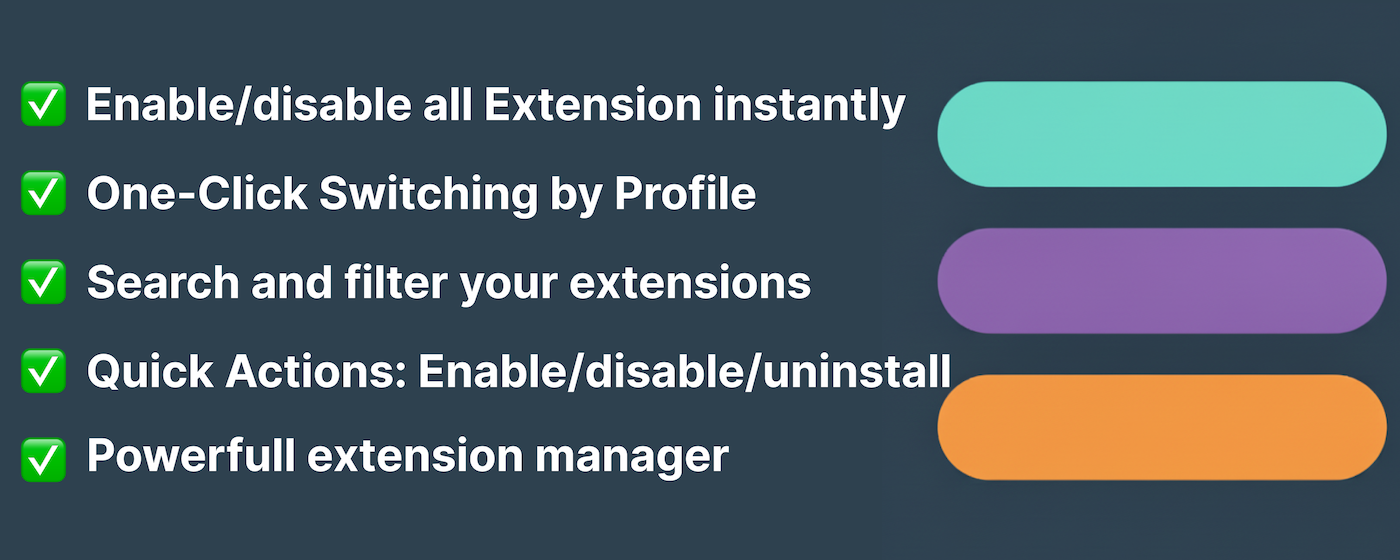
Organize your browser extensions with smart profiles. Switch all extensions with one click. Auto-enable per website with intelligent site-specific rules. The extension manager you deserve.
A complete extension management solution at your fingertips
Get organized in four simple steps
Add Extensio from Chrome Web Store or Edge Add-ons with one click
Set up profiles for Work, Personal, Development, or any context you need
Enable or disable extensions for each profile
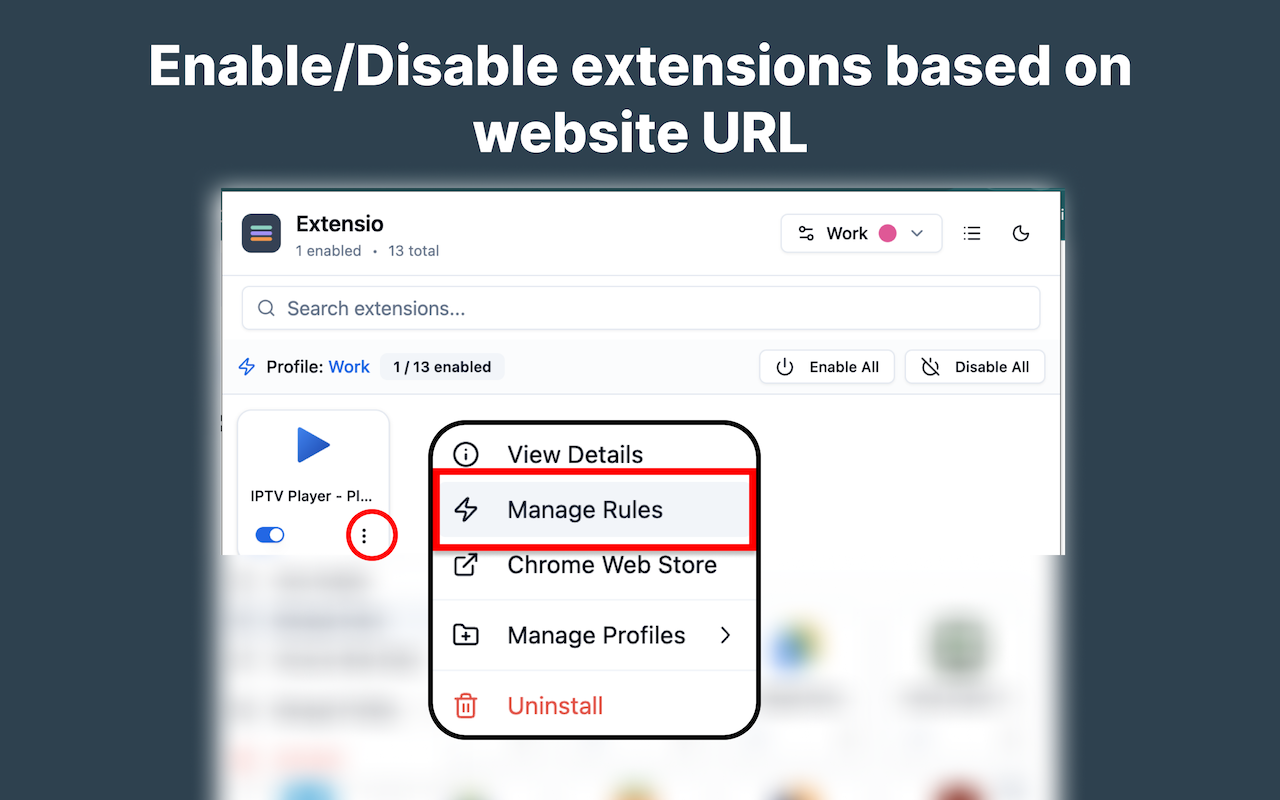
Switch contexts instantly. Set site rules for automatic activation
Everything you need to tame your extensions
Enable or disable extensions with a single click. No more digging through browser settings
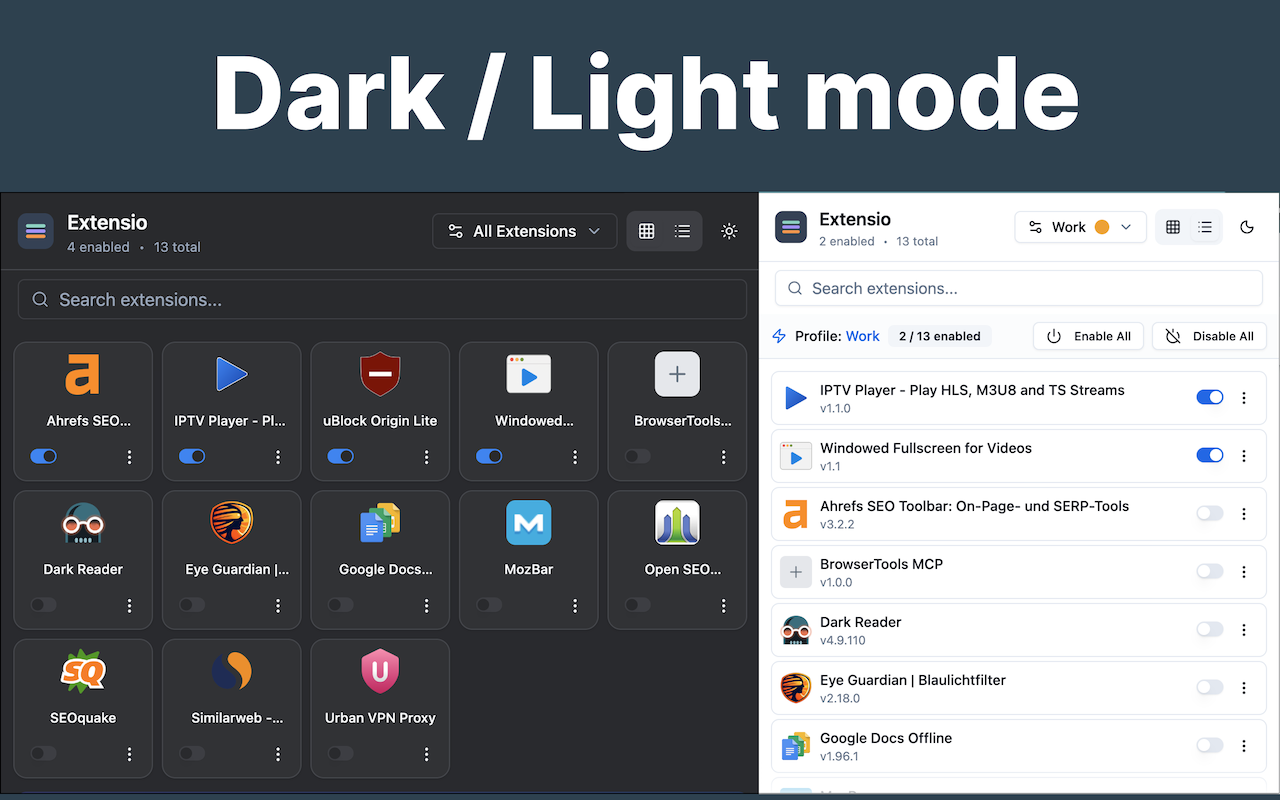
Create profiles for Work, Personal, Development. Switch entire extension sets instantly
Auto-enable extensions only on relevant websites. Shopping extensions on Amazon, dev tools on GitHub
Beautiful interface that syncs with your system theme. Easy on the eyes, day or night
Find any extension instantly as you type. Perfect for users with many extensions
All data stored locally on your device. No tracking, no analytics, no data collection
A glimpse of what Extensio can do for you
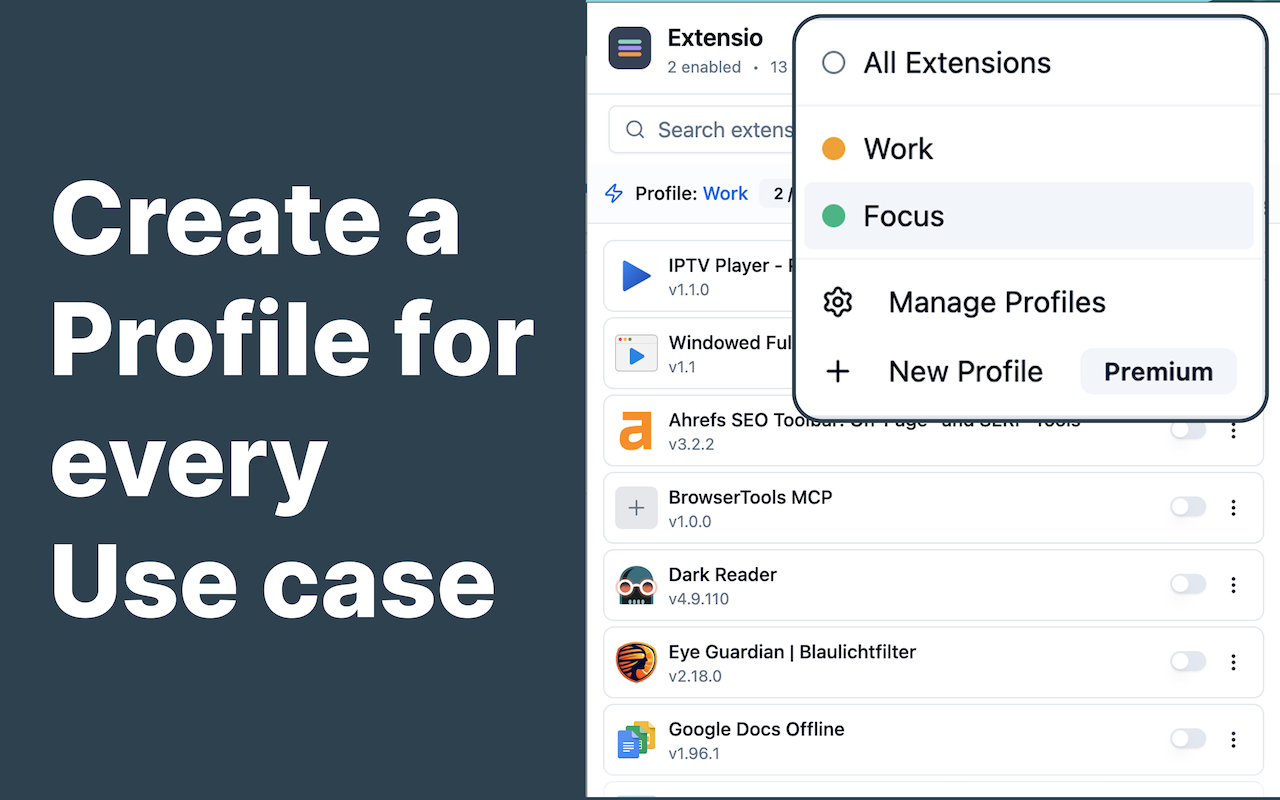
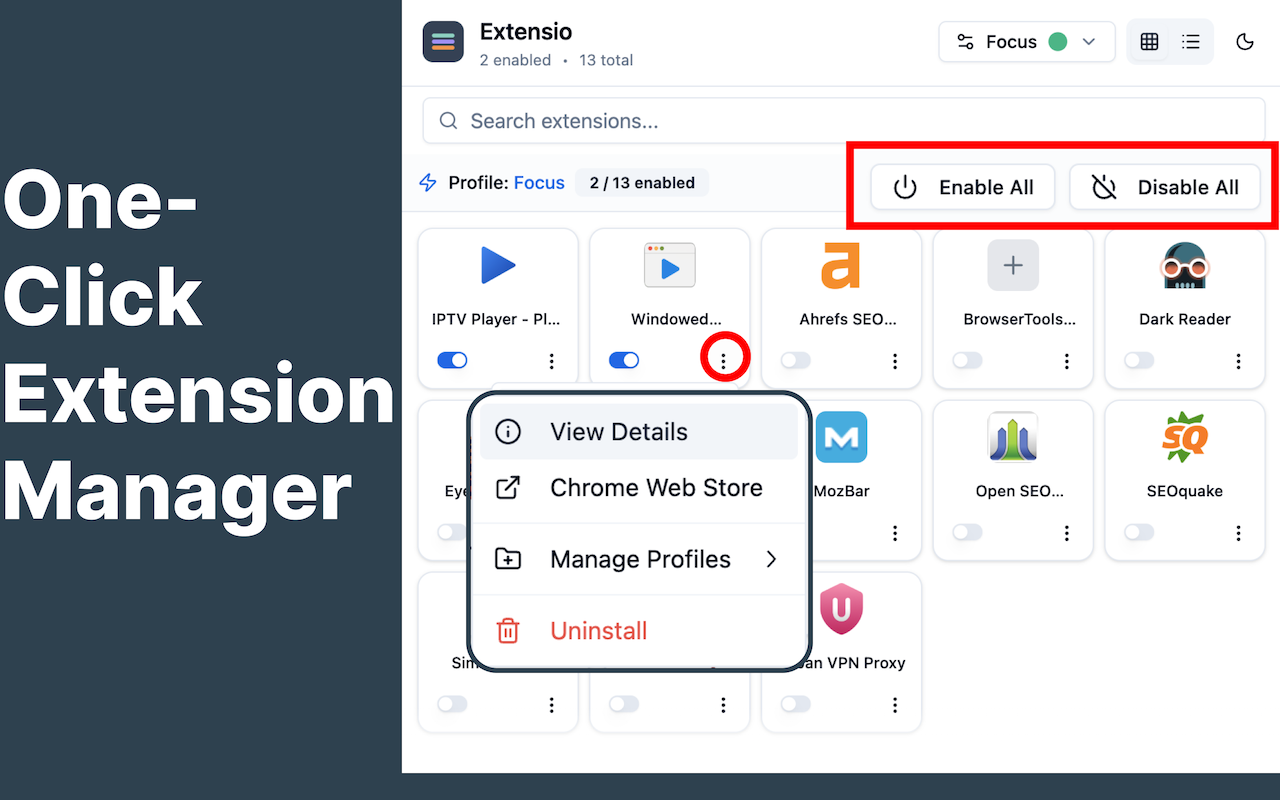
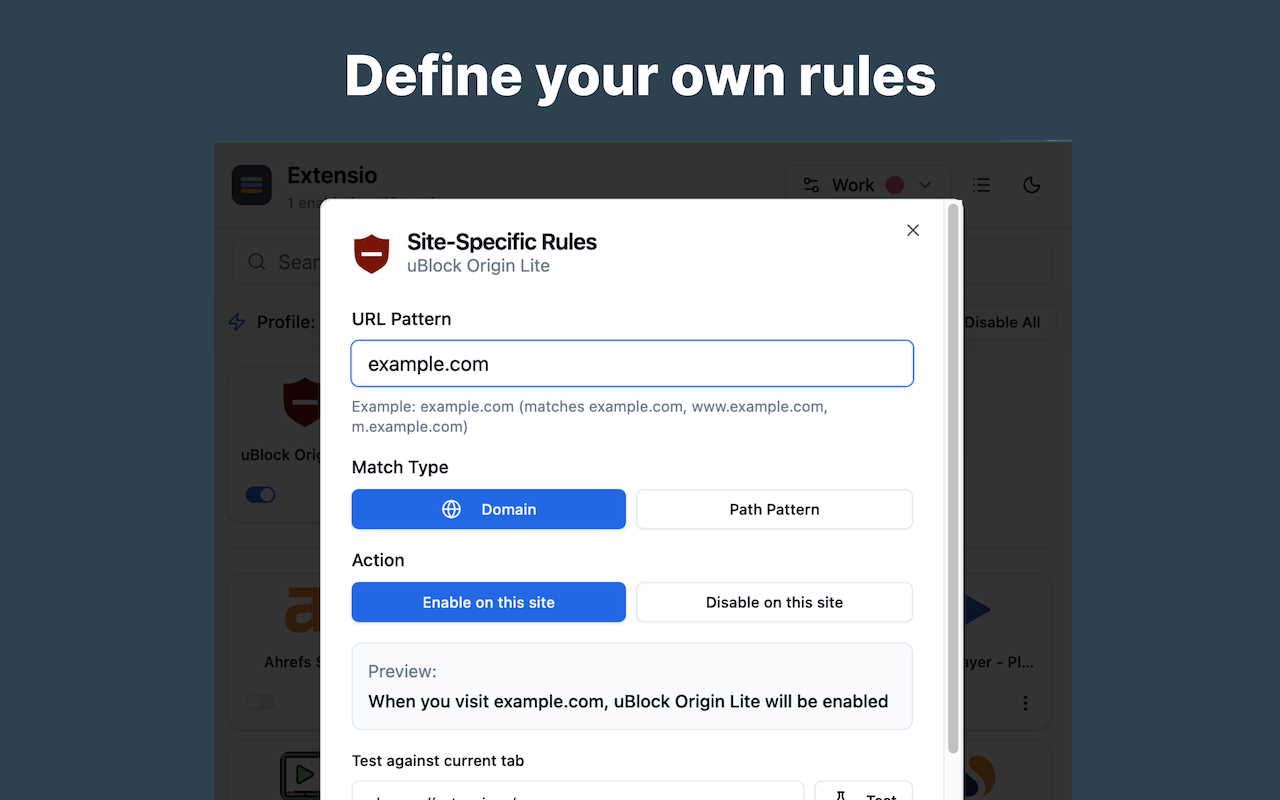
How real users organize their browser
Enable only productivity extensions like Grammarly, Notion, and calendar tools
Disable heavy extensions for maximum browser performance during gaming sessions
Activate React DevTools, Redux, and debugging extensions only when coding
Auto-enable Honey, coupons, and price trackers only on e-commerce sites
Enable VPN, ad blockers, and privacy tools for sensitive browsing
Activate citation tools, Zotero, and note-taking extensions for academic work
Love Extensio? Upgrade to create unlimited profiles and site rules for complete control.
Unlimited Profiles
Unlimited Site Rules
Per Month
Free version includes 2 profiles and 1 site rule per extension — perfect to get started!
Compare with manual browser extension management
Got questions? We've got answers
Profiles let you group extensions together. When you activate a profile, all extensions in that profile are enabled, and others can be disabled. Perfect for switching between work, personal, or development contexts with one click.
Site rules automatically enable or disable specific extensions when you visit certain websites. For example, you can auto-enable React DevTools only on localhost, or shopping extensions only on Amazon. Set it once, forget it forever.
No. Extensio operates entirely locally on your device. We don't collect personal information, browsing history, or extension usage data. Your privacy is fully protected.
The free version includes up to 2 profiles and 1 site rule per extension. You get all core features including quick toggle, search, dark mode, and profile switching. Premium unlocks unlimited profiles and rules.
Yes! Extensio is available on both Chrome Web Store and Microsoft Edge Add-ons. It works identically on both browsers with full feature parity.
Unfortunately, browser APIs don't allow extensions to modify toolbar pinning. This is a platform limitation that affects all extension managers. You'll need to pin/unpin extensions manually through the browser.
If you reinstalled the extension or switched browsers, you can restore your subscription in a few clicks using the same email you used to purchase. See our step-by-step guide →
Recent updates and improvements